
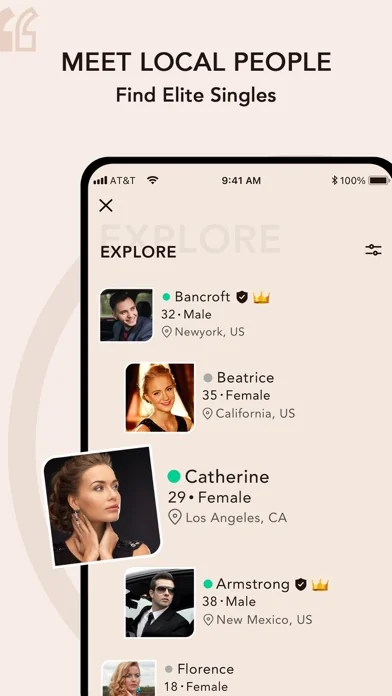
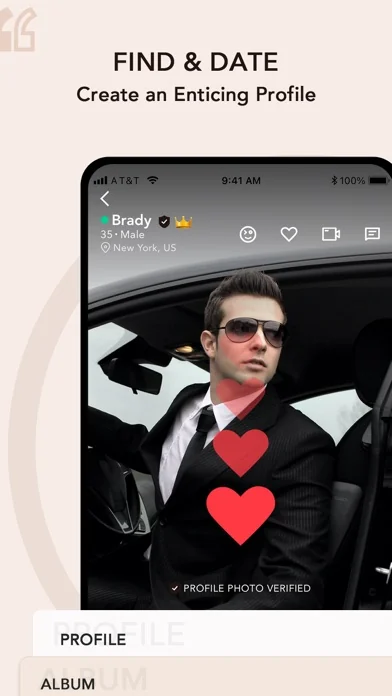
Elite Singles on iPhone at a Glance
The current US listing names the app EliteSingles: Elevated Dating and identifies Successful Information LLC as the seller. It is designed for iPhone, lists English, and requires iOS 15.6 or later. It is free to download and includes in-app purchases. These details were checked on September 27, 2026 and can change with future releases.
Use the iPhone download button to open the App Store listing, then review compatibility on your device. Do not interpret store compatibility with other Apple hardware as a promise of an independently optimized experience on every screen. The app overview explains how mobile access fits alongside the website and the separate Android option.
Let Your Voice Add Something the Bio Cannot
Voice Introductions is one of the features named in the iPhone description. Where available, it can help a profile feel more personal by adding tone and pace to the words. A relaxed introduction about something you enjoy may communicate more than a highly rehearsed summary of your achievements.
Plan one short idea rather than an entire speech. You might mention a recent discovery, an interest you would enjoy sharing, or a small detail about an ideal weekend. Speak naturally and keep personal contact information out of the recording. You are giving another person a comfortable opening, not proving that you can deliver a perfect performance. The profile-writing examples can help you choose a detail that sounds like you before recording it.
Make Your Photographs Work on a Phone
A clear first portrait matters on a compact screen. Check how the app displays the photograph after upload, not just how it looks in your camera roll. Keep your full face visible and avoid choosing an image where an aggressive crop removes the expression you wanted to show.
Use a few different, recent photographs to give context. A natural everyday image can balance a formal portrait, while an authentic interest offers a conversation prompt. The photo guide covers selection and privacy details. Do not use heavily altered or generated identity pictures to satisfy a profile or verification requirement. Recognition at an eventual meeting is more valuable than an image that only looks impressive on a screen.
Use Daily Selections With Deliberate Attention
The iPhone listing describes Daily Selections as part of a more focused approach to discovery. Rather than treating the feature as another feed to scan automatically, use the profile information to identify a reason you would enjoy speaking with someone.
Read for both interest and practical fit. A shared enthusiasm can begin a conversation, while location and availability affect whether you could meet. Avoid equating a selection with a compatibility guarantee. The feature can introduce a possibility; you and the other person still decide whether the exchange develops. A few attentive minutes can be enough to choose a worthwhile introduction without making the app the center of your entire evening.
Keep a Developing Connection Organized
Date Manager is also named in the current iPhone description. Its stated purpose is to help members track connections and their dating journey. That can be useful when you want to remember a plan or return to a conversation with context after a busy week.
An organizational tool should support consideration, not replace direct agreement. Confirm a meeting with the other person, and do not assume that recording a plan in an app means they have accepted it. If the conversation is moving toward a date, the meeting guide helps you turn interest into a clear invitation. Keep sensitive information about another person out of unnecessary notes or public-facing content.
Choose Notification and Permission Settings Intentionally
Review what the app requests when you use a feature. Camera, photo, microphone, and notification access have different purposes; you do not need to treat them as one undifferentiated decision. Read the explanation shown and use the current iPhone settings if you want to revisit a permission.
Consider whether message previews should appear on a locked screen, especially if your phone is visible at work or shared around family. Apple privacy labels describe developer-reported data practices; they are not a guarantee that an app collects nothing or that all activity is anonymous. For broader account and interpersonal boundaries, the privacy guide explains what remains your responsibility regardless of device settings.
Understand an Apple Purchase Before Confirming It
Free installation and paid membership are separate. Read any subscription offer for its actual amount, period, renewal, and included benefits. The public store listing can contain purchase entries that do not explain the entire current offer available to your account.
If Apple processes a subscription, manage it through the relevant Apple subscription controls and retain the receipt. Do not assume that deleting the app cancels billing or that a website support request alone changes an Apple purchase. The cost guide explains why the billing channel matters. If you already paid elsewhere, clarify account access before authorizing another purchase simply because you changed devices.
Start With One Personal Detail and One Realistic Next Step
After installing, sign in to your existing account or create one if you are new. Review the profile, make one useful improvement, and learn where the app presents help and account controls. You do not need to master every feature in the first session.
Then choose a relevant profile and write something that belongs to the person you read about. The app gives you ways to be present; the quality of that presence comes from attention, honesty, and follow-through. If iPhone is where you naturally manage your day, it can also be a comfortable place to begin a connection that eventually belongs in the rest of your life.